Guide 1 of 6 · Record
Record your day
Put your phone away
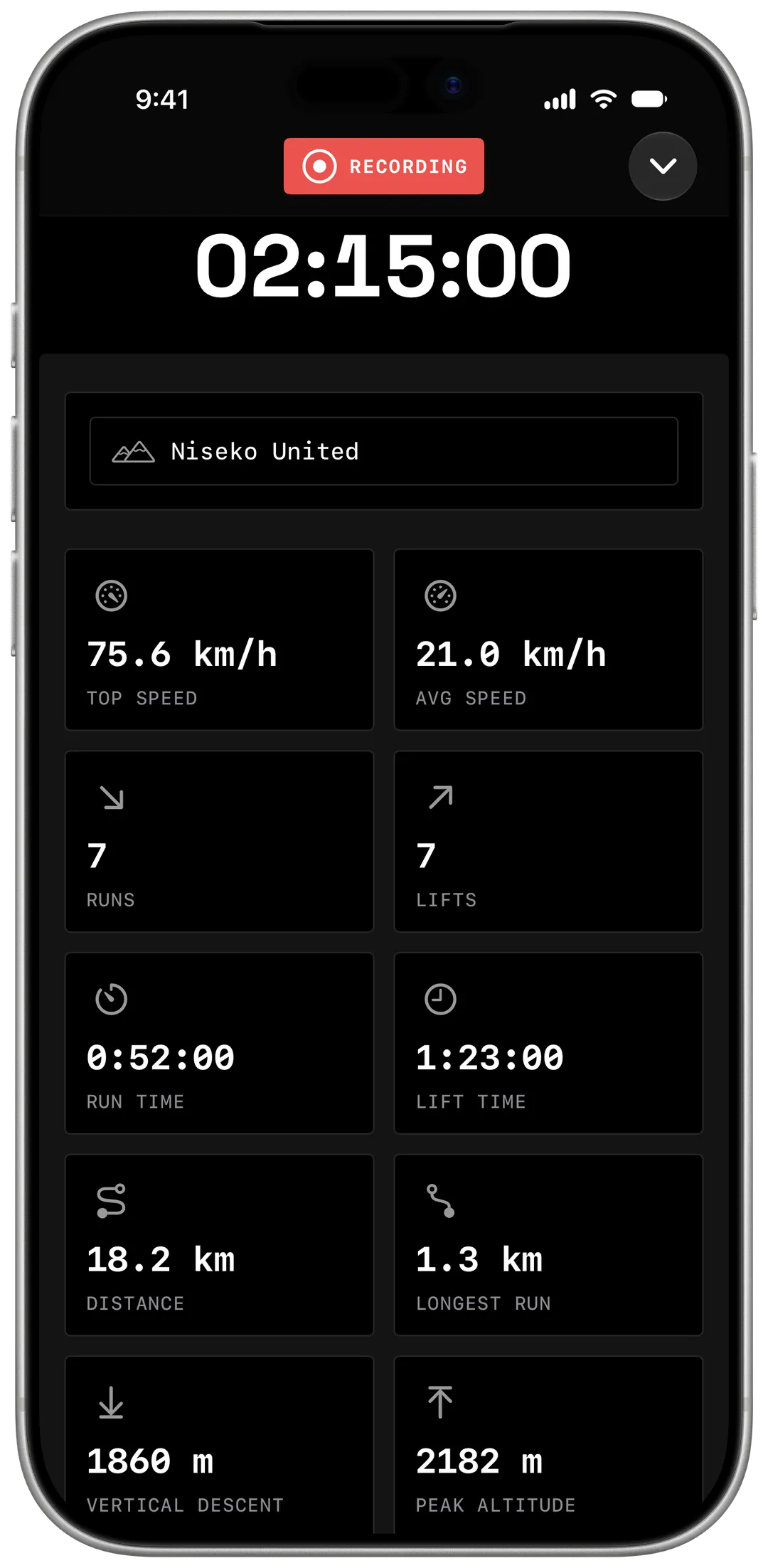
Yewki records every run, leaves out the lifts, and works with no signal.


Already have Yewki? Open this page on your phone.
§ 01
Before your first chair
Allow location and motion
Yewki asks the first time you record. Location measures speed and vertical. Motion tells a run from a lift.
Add your Welcome Gift
Go to
Record → XP Boosts → Add XP Boostand pick Welcome Gift+10% XP boost. It adds 10% XP to one session. Use it within 90 days.
Tap Record, then ride
Tap
Recordand put your phone in an inside pocket. TapStopwhen your day is done.
§ 02
What you get
Lifts are left out, so your top speed is yours, not the gondola's.
- Top speed
- 75.6km/h
- Vertical
- 1,902m
- Distance
- 18.2km
- Runs
- 7
§ 03
On the mountain
Stopping for lunch? Leave it on
You don't need to pause. After 2 minutes without moving, Yewki goes into low power to save your battery. It starts again the moment you move.
Keep your phone warm
Cold drains a battery fast. An inside pocket keeps it going for longer.
No signal? Keep riding
Yewki records offline and syncs when you're back in range.
Got an Apple Watch?
Leave your phone in your bag. Start and stop from your wrist.
§ 04
Frequently asked questions
Who can see my days?
Everyone, unless you change it. Pick Everyone, Friends or Only Me on a session, or change the default in Settings → Default Visibility.
Does Yewki record the drive home?
In a car, Yewki pauses by itself. Tap Stop when your day is done.
Does it work for snowboarding?
Yes. Yewki tracks skiing and snowboarding the same way.
Is Yewki on Android?
Yes. Yewki is on Google Play for Android phones, and on the App Store for iPhone and Apple Watch.